Capture
Region · Window · Full screen

Capture exactly what you need. Mark it up, pull out text, sample a color, pin it beside your work, or export it.
Region · Window · Full screen
Turn image text into editable words, locally.
Arrows, text, numbers, and mosaic.
You scroll. Shotlane stitches.
 Shotlane
Keep several references above your work.
Capture in a keystroke.

Name and save files your way.
 PNG · JPG · WebP · PDF
HEX · RGB · HSL · NSColor

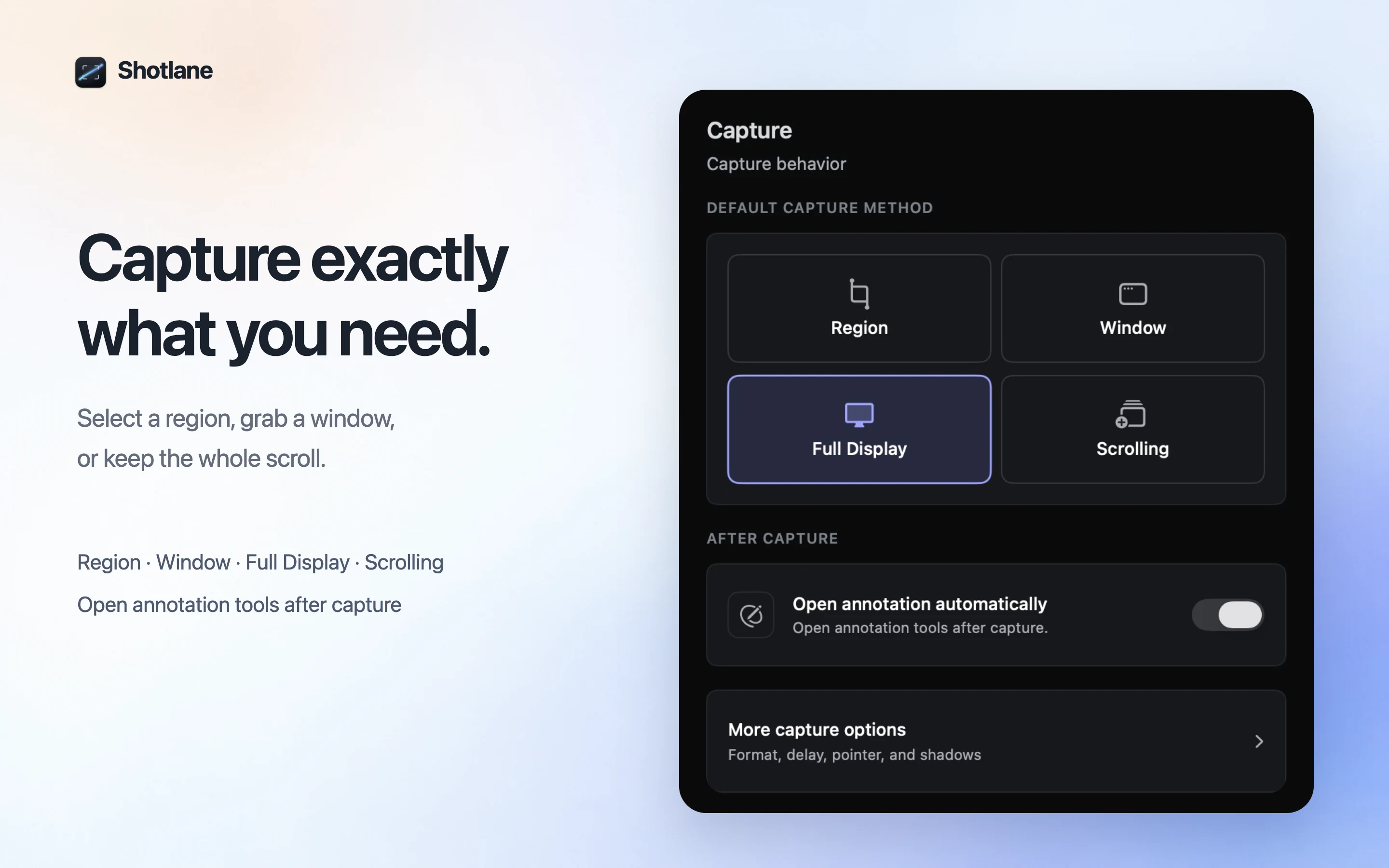
Capture a region, a window, the full display, or a scrolling page.
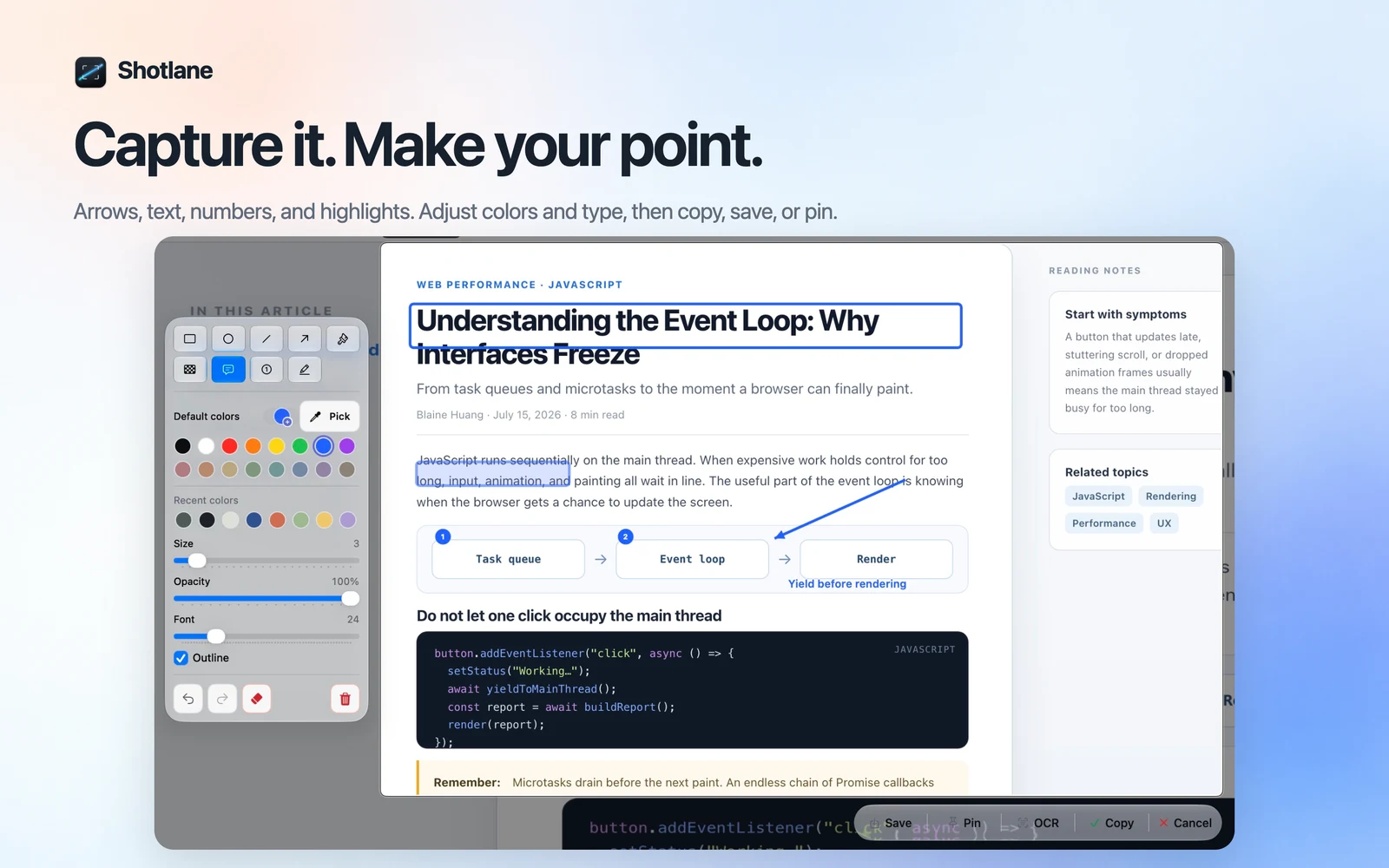
Add arrows, text, numbered steps, highlights, or mosaic before you share.
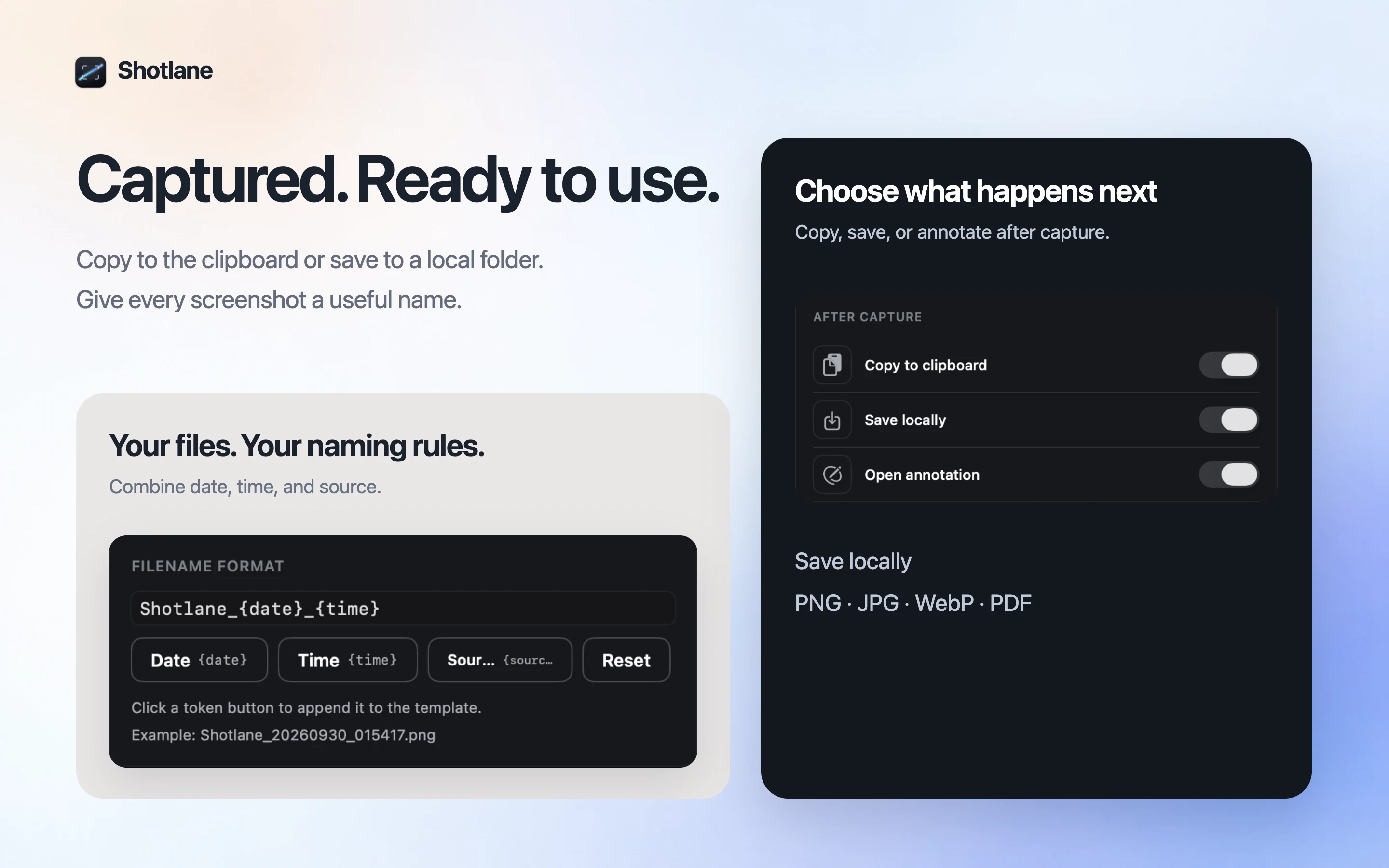
Copy it, save it, pin it, read the text, sample a color, or open the file.
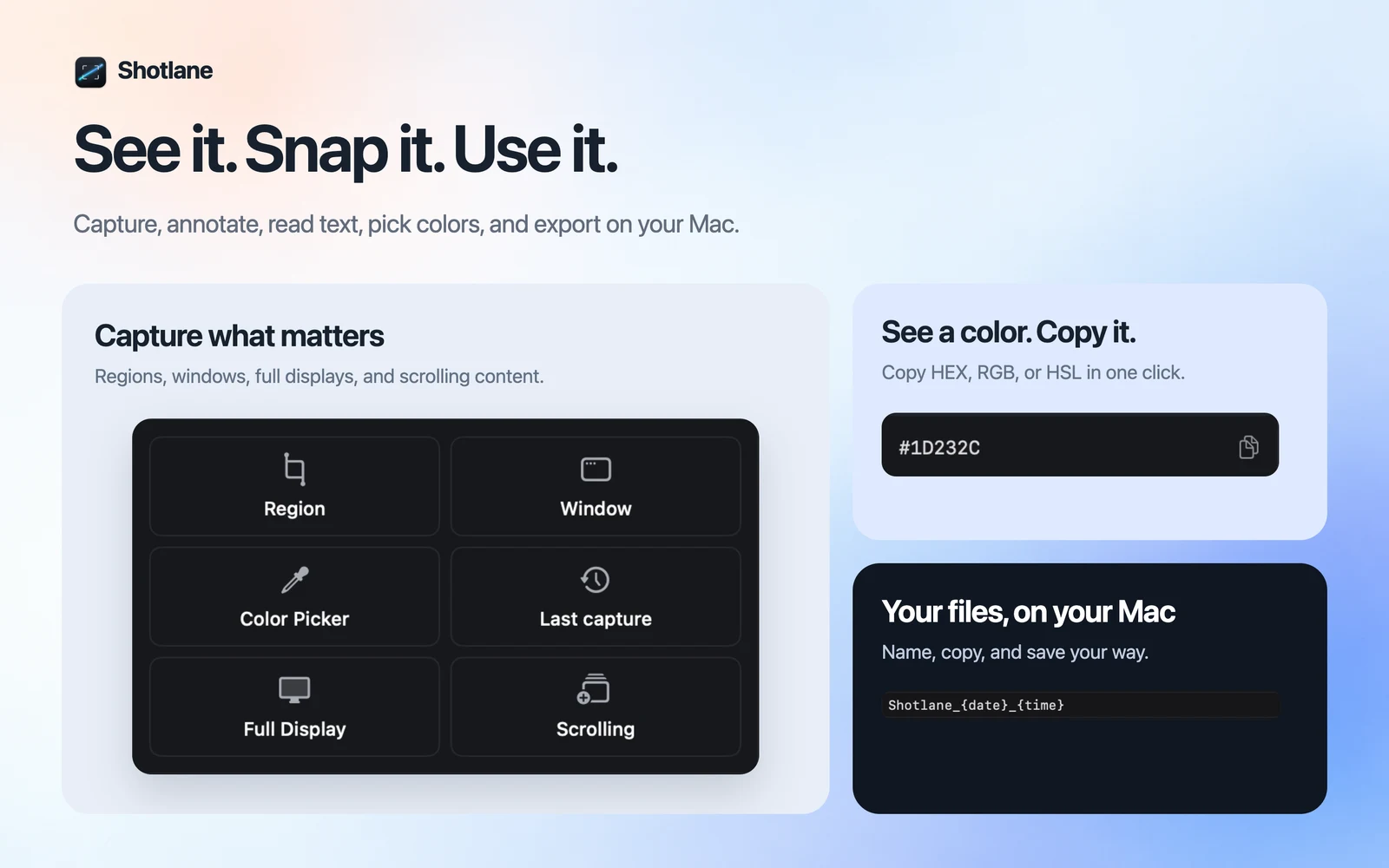
Capture, annotate, recognize text, pick colors and export from a compact control center.
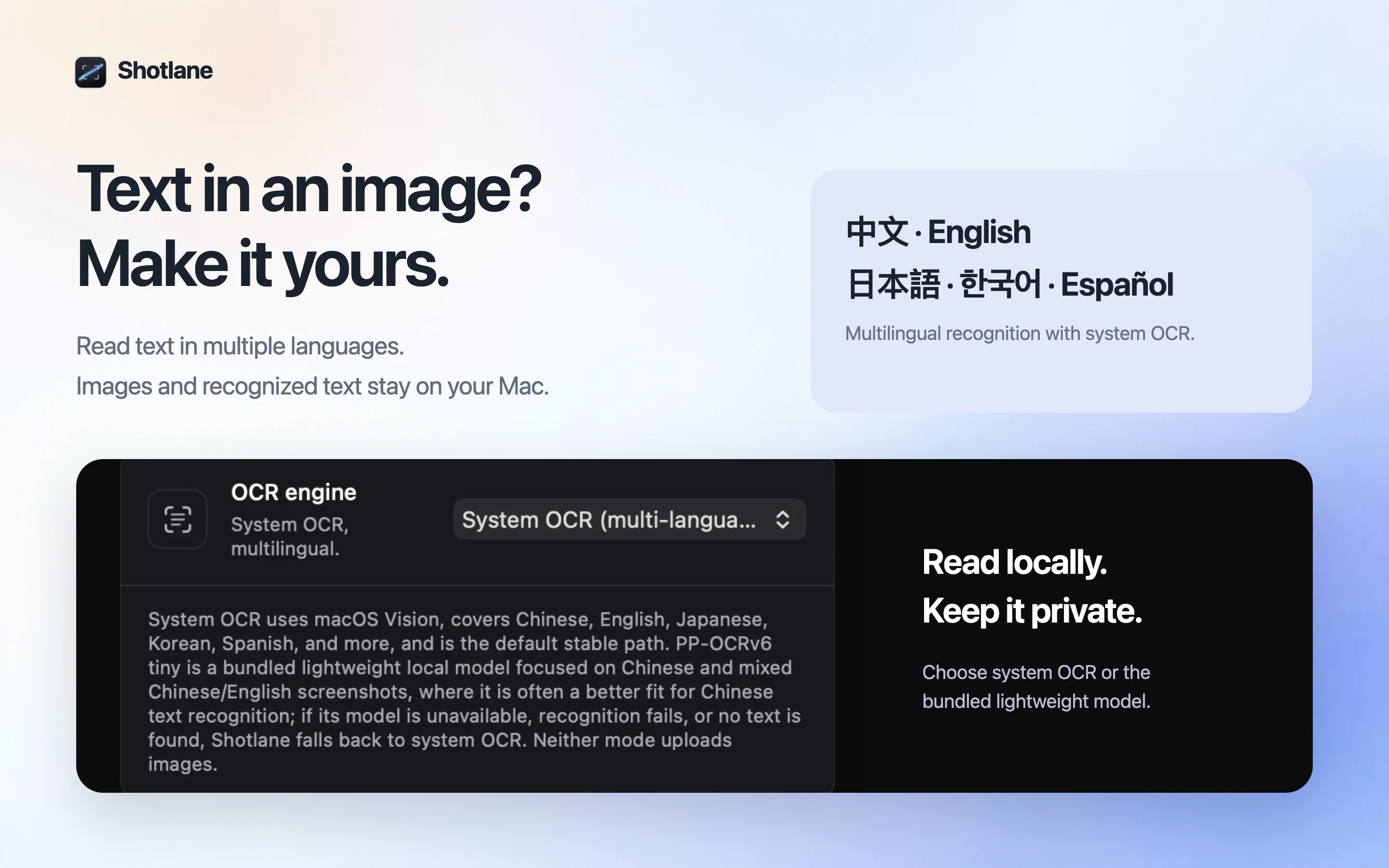
Recognize text from a selection or your latest capture on your Mac. Edit it, then copy.
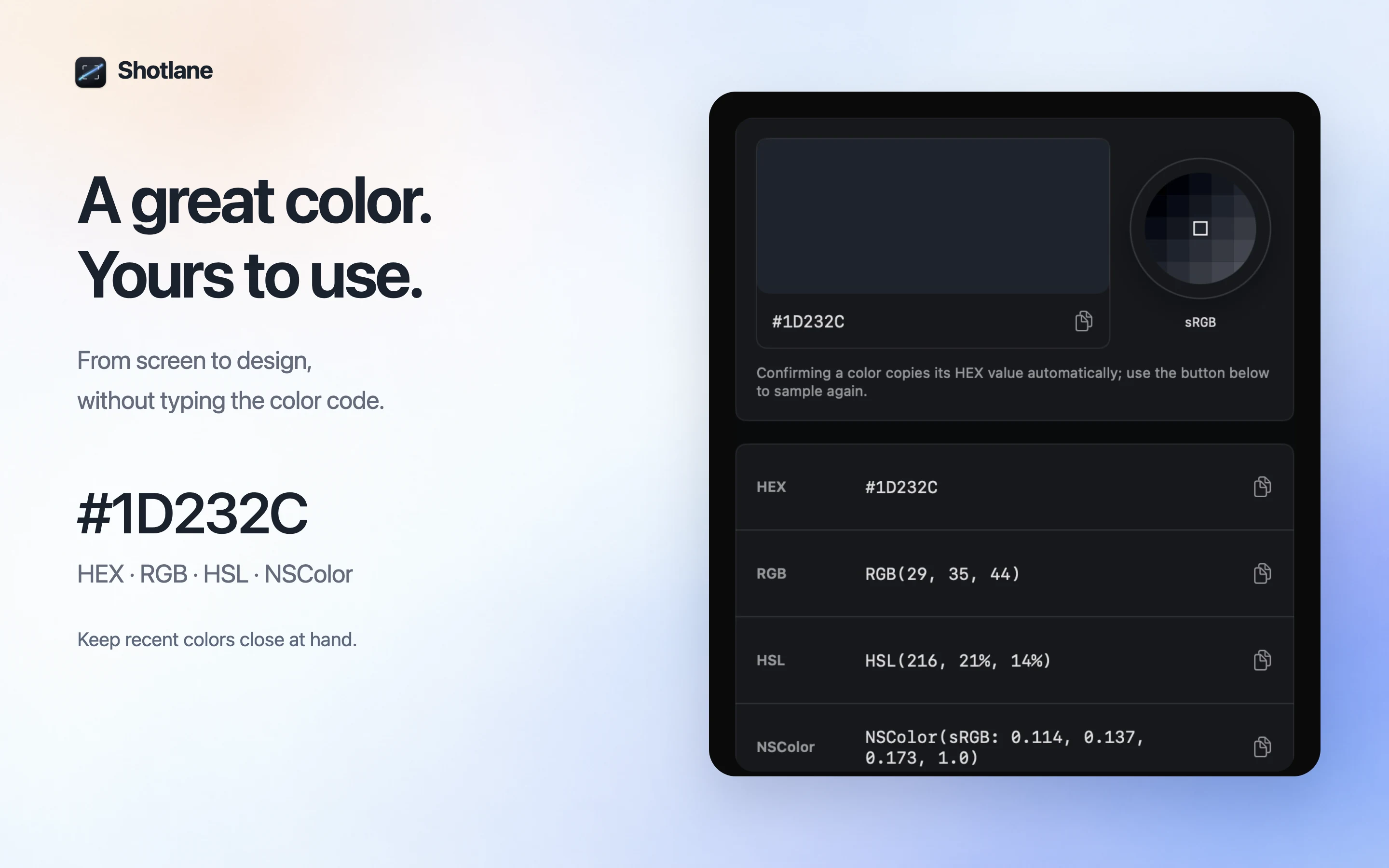
Use the loupe to inspect a pixel and copy HEX, RGB, HSL, or NSColor.
Choose the folder, format, quality, and file name before the capture leaves Shotlane.
Add arrows, text, numbers, highlights, or mosaic. Adjust color, size, and opacity; undo an edit, then copy, save, or pin.
Select an area, scroll it yourself, then click Finish. Shotlane stitches the capture and lets you save or copy it.
Shotlane keeps screenshots and recognized text on your Mac unless you choose to share them.
Shotlane has no screenshot cloud sync or upload path.
Apple Vision and the optional bundled OCR engine both run locally.
There is no analytics, telemetry, crash reporting, or remote diagnostics SDK.
Exports go to local folders you control. Cleanup always asks first.
Clear steps for longer pages, text in images, and useful annotations.
Shotlane is available now on the Mac App Store. Download it for free and keep every capture on your Mac.
Open the DMG, then drag Shotlane into Applications. Apple silicon and Intel · macOS 15+.